

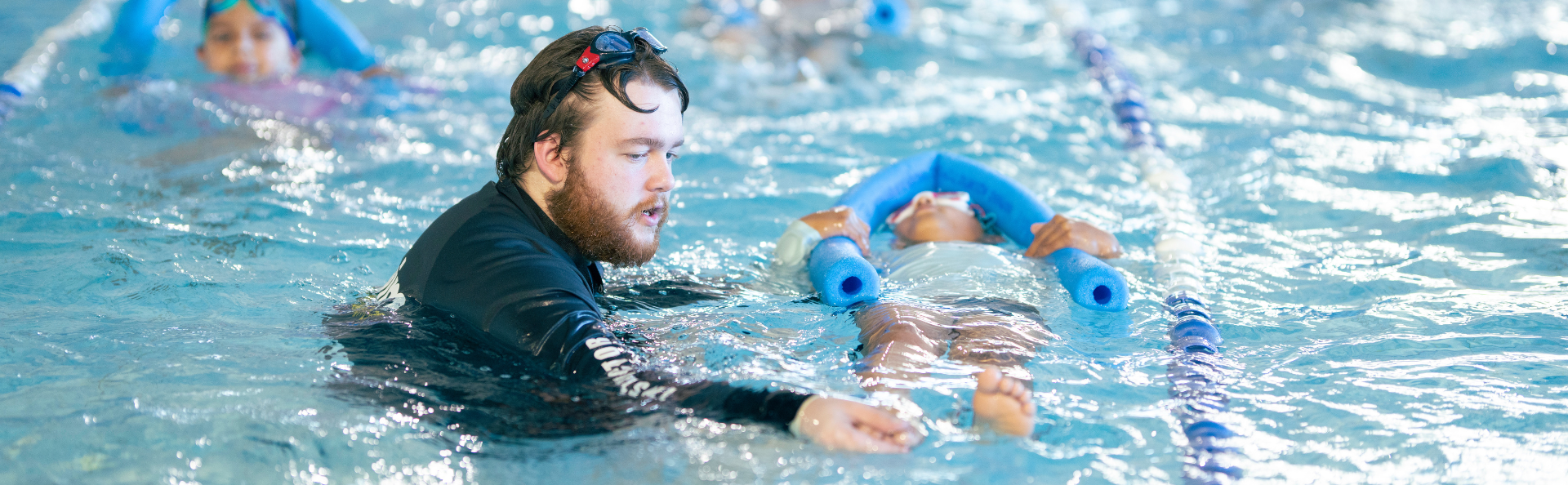
Our program will see your child develop a love of swimming, a strong technique and confidence in the water.
- Start anytime! We operate throughout the year, rather than by terms.
- As no one develops in the same way, move through each of our levels at your own pace.
- Access the pools at any time outside your class.
How to sign up
Firstly, you need to create an account with us, if you don't have one already.
You require a free account if you wish to come casually to the gym, book into a casual session or book your child into creche or a program.
- Go to your Member Portal and log in
- Click 'Create your Account'
- Click 'Free Account/Visit Passes'
- Keep it on 'Memberships' and select 'Next'
- Fill in your details and click 'Create Account'
If you have previously been enrolled in a program but haven't used the portal before, you will already be in our system but won't have a log in yet.
- Go to your Member Portal and log in
- Click 'Forgot password'
- Enter the email address you used originally to enrol your child
- You will receive an email with instructions to reset your password
You should now have access to your online account.
If you can't remember the email you last used, please call us on 9411 3344.
Next, add your child to your account if you haven't already.
To enrol your child in lessons, you need to add them to your account first.
Go to your Member Portal and log in
- Click on 'Your Children' in the Menu
- Select 'Add Child' at the bottom of the page
- Select 'Free Account/Visit Passes'
- Keep it on 'Memberships' and select 'Next'
- Complete all required fields and click 'Create Account'
You will need to do this for each individual child in your family.
Now let's find out what level your child is in through our class matcher tool.
Next, let's find a class to enrol in, in the member portal.
- Click ‘book’ in the member portal menu.
- Select ‘Swim School & Kids Programs’ in the sub-menu
- Click ‘any activity type’ and choose ‘school aged learn to swim’
- Click ‘enrol now’ on your class level that the class matcher tool helped you with.
- Scroll through the available class options and select ‘enrol now’.
- Select ‘Learn to Swim – Direct Debit’ and review your enrolment.
- Read and agree to the terms and conditions
- Select either a bank account or credit card for your payment method.
- Enter your payment details and confirm your enrolment.