

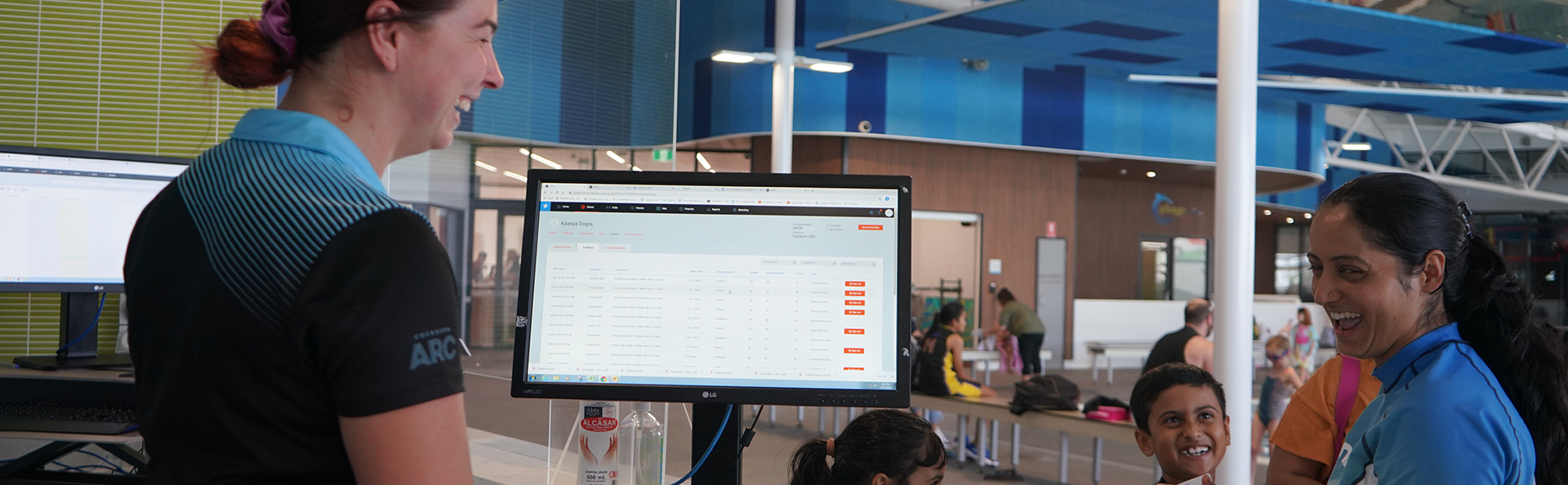
Use our member portal to update your details, change classes or take a break from classes.
If you don't know your password or haven't used the portal yet, click on "Forget Password" and a link will be sent to the email address that you signed up with. If you don't remember which email address you used, give us a call on 9411 3344.
Helpful guides
You can change classes, pending availability at any time using the member portal.
- Go to your member portal and log in
- Click ‘book’ in the menu
- Select ‘Swim school & Kids programs’ in the sub-menu
- Click ‘any activity type’ and choose ‘school aged learn to swim’
- Under ‘any activity level’, select your child’s level.
- Scroll through the available class options and select ‘enrol now’
- Click ‘transfer here’ next to your child’s name.
- Select the class that you are transferring from
- Depending on your lesson day, you may see a box that says, ‘transfer will result in an additional class booking’. Select ‘skip next class’. This will ensure you are not charged for two lessons a week.
- Review your enrolment details and click ‘confirm transfer’.
- To confirm the date of your next lesson, click ‘my bookings’ under the menu.
- Go to your member portal and log in
- Click ‘book’ in the menu
- Select ‘Swim School & Kids programs’ in the sub-menu
- Click ‘any activity type’ and choose ‘Adult Learn to Swim’
- Under ‘any activity level’, select either the Immersion or Extension level
- Scroll through the available class options and select ‘enrol now’
- Select the class that you are transferring from
- Depending on your lesson day, you may see a box that says, ‘transfer will result in an additional class booking’. Select ‘skip next class’.
- Review your enrolment details and click ‘confirm transfer’.
- Log into the member portal
- Head to 'Payment Settings' under 'Account'.
- Follow the steps
We will hold your place for $6.25 a week, while you holiday or just take a break.
You can break for a minimum of one week and a maximum of six weeks per calendar year.
While you are on a break you cannot make any changes to your membership such as changing class times or cancelling your membership. We also do not allow members to take a break if there is an outstanding balance on your account.
During your break you are welcome to visit the centre, however you will need to pay casual entry fees. After your break, your membership will be automatically reactivated.
How to set up Take a Break
- Log into the member portal. If you have forgotten your log in details, select forgot password and use the email address that you signed up with.
Select 'Account' from the top menu,
- Select 'Contract details/suspension' from the top menu.
- Select the child you would like to suspend using the dropdown menu at the top of the page.
- Select the Contract
- Select 'Suspend Membership' at the bottom.
- Select take a break
- Select the dates of the lessons that you would like to suspend for, then go to payments (note: you only need to select the swim lesson dates you will be away for). You will need to repeat the steps for every week you wish to suspend for.
Terms and conditions of 'Take a Break'
- Your access to the facility will be suspended while you are on a break. Casual entry fees will apply.
- A holding fee of $6.25 is required to secure your place in the class.
- It is available for a maximum of six weeks per year.
- Your membership debits and enrolment will resume at the end of your break.
- Your Take a Break is not accepted if there is an outstanding balance due.
- You do not need to submit a Take a Break during SwimARCademy designated non teaching periods.
- Take a Break must be submitted at least an hour prior to your lesson start time.
To view your current progress, log in to your member portal.
- Visit 'Skills' under 'Account' If you're a parent, you'll need to select your child from the top left dropdown menu.
- Click 'Current' from the 'Levels' timeline
- Scroll down to see what skills have been completed for your current class.
You can cancel your Swim ARCademy by submitting a cancellation form. Your cancellation must be lodged by close of business on the Tuesday prior to the next direct debit date to ensure payment is not taken out.
Key Dates
These are the following dates for direct debit payments:
2025
- December: 4, 18
2026
- January: 1, 15, 29
- February: 12, 26
- March: 12, 26
- April: 9, 23
- May: 7, 21
- June: 4, 18
- July: 2, 16, 30
- August: 12, 27
- September: 10, 24
- October: 8, 22
- November: 5, 19
- December: 3, 17, 31
Holiday periods where classes will not run:
2025
Australia Day | Friday 27 January |
Labour Day | Monday 3 March |
Easter Period | Friday 18 April- Thursday 24 April |
ANZAC Day | Friday 25 April |
WA Day | Monday 2 June |
July Break | Monday 7 - Sunday 13 July |
King's Birthday | Monday 29 September |
Christmas Period | Monday 22 December 2025 - Sunday 4 January 2026 |
2026
Australia Day | Friday 27 January |
Labour Day | Monday 2 March |
Easter Period | Friday 3 April - Thursday 9 April |
ANZAC Day | Monday 27 April |
WA Day | Monday 1 June |
July Break | Monday 6 July - Sunday 12 July |
King's Birthday | Monday 29 September |
Christmas Period | Monday 21 December 2026 - Sunday 3 Jan 2027 |
If your class is affected by these shut down periods, you will not pay for that class and we will notify you of any impacts.