School holiday program
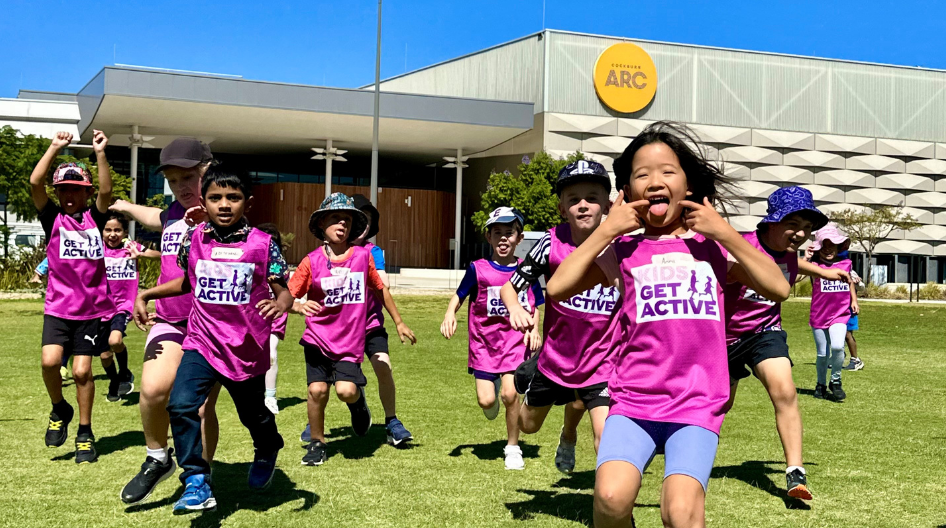
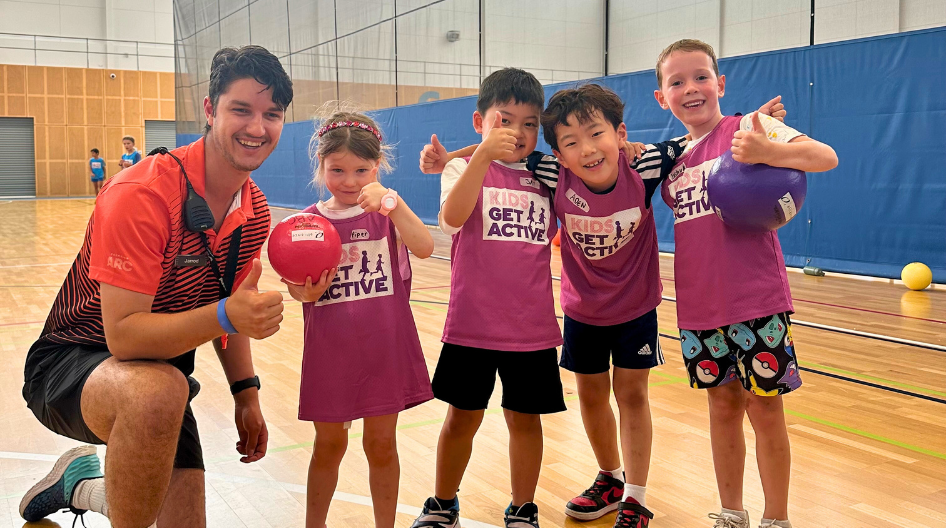
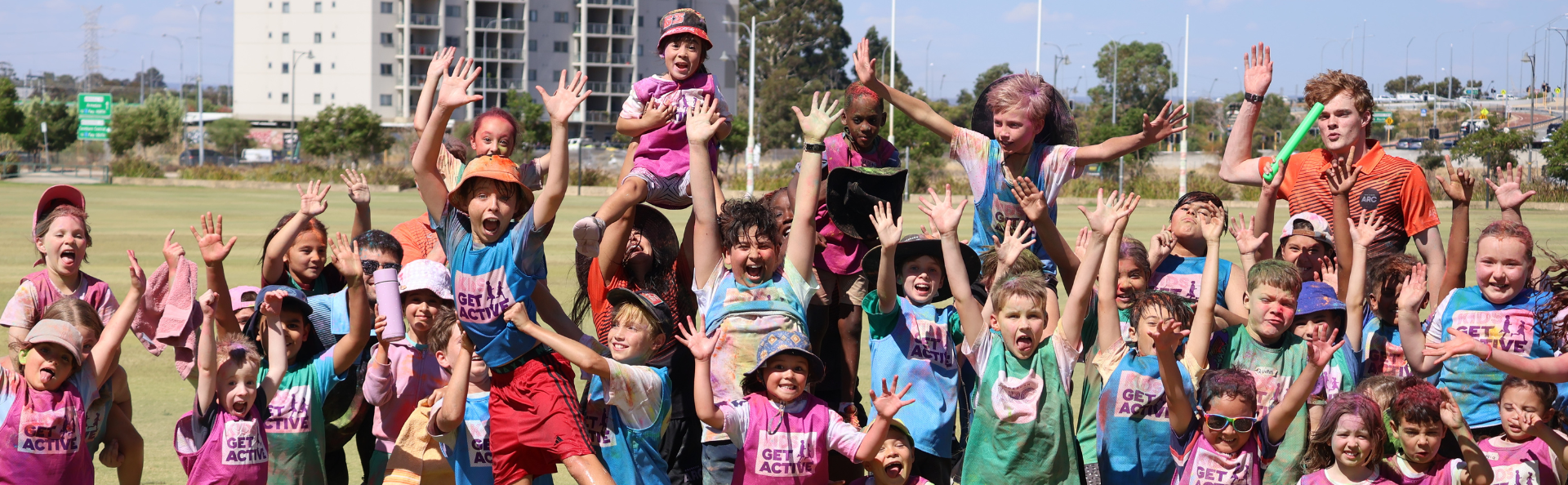
Kids Get Active is the ultimate school holiday program for kids aged 5 to 12. It's all about keeping kids active, for all abilities and skill levels.
The program runs on weekdays, with our next program running during the September school holidays from Tuesday 29 September to Friday 9 October.
Registrations are now open.
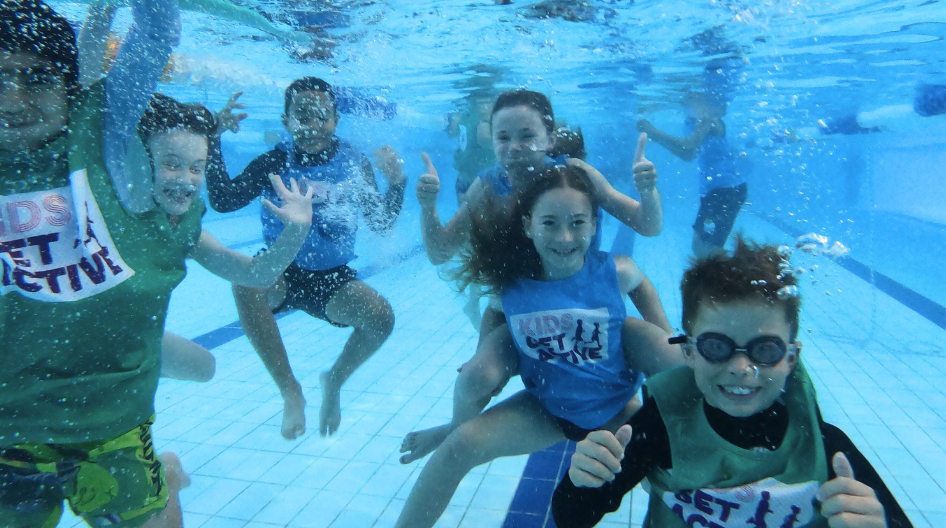
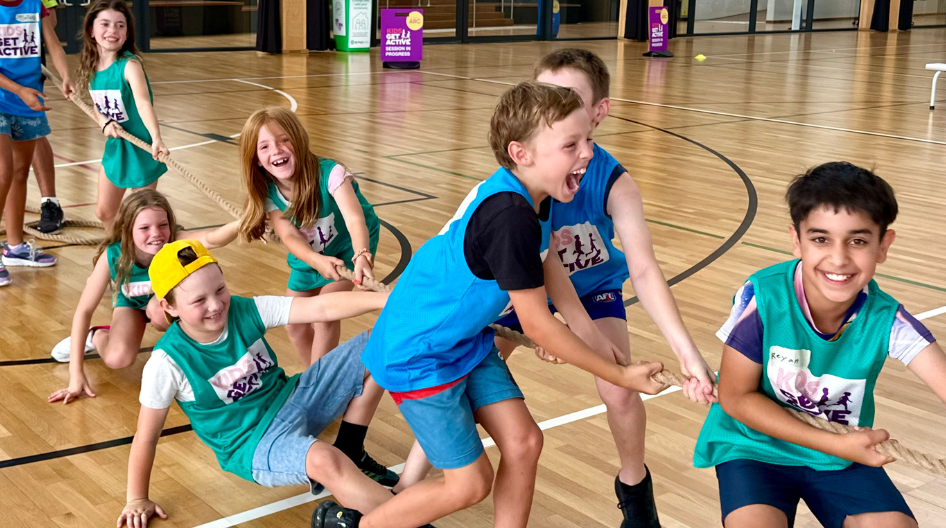
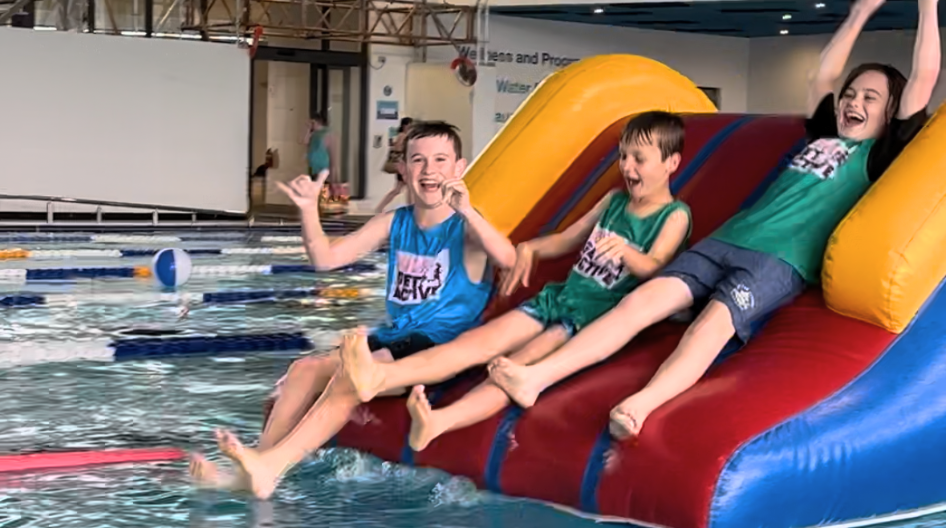
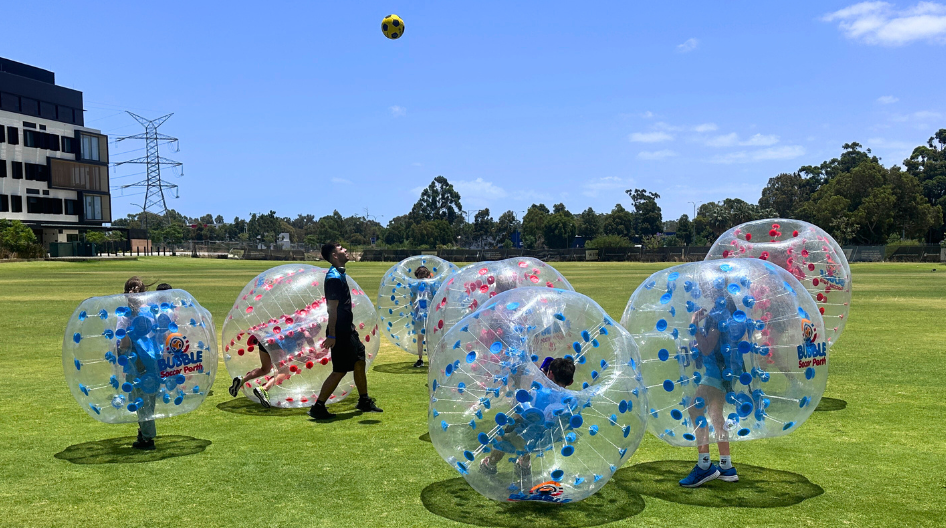
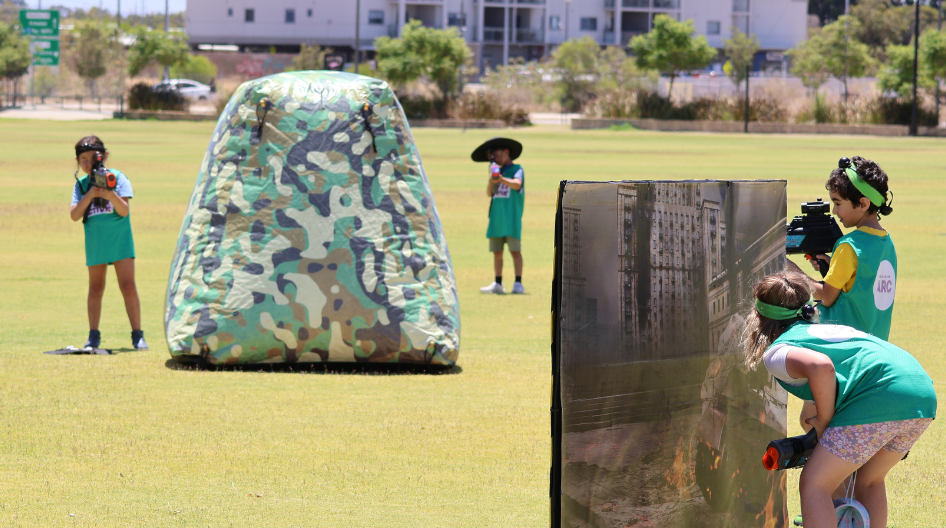
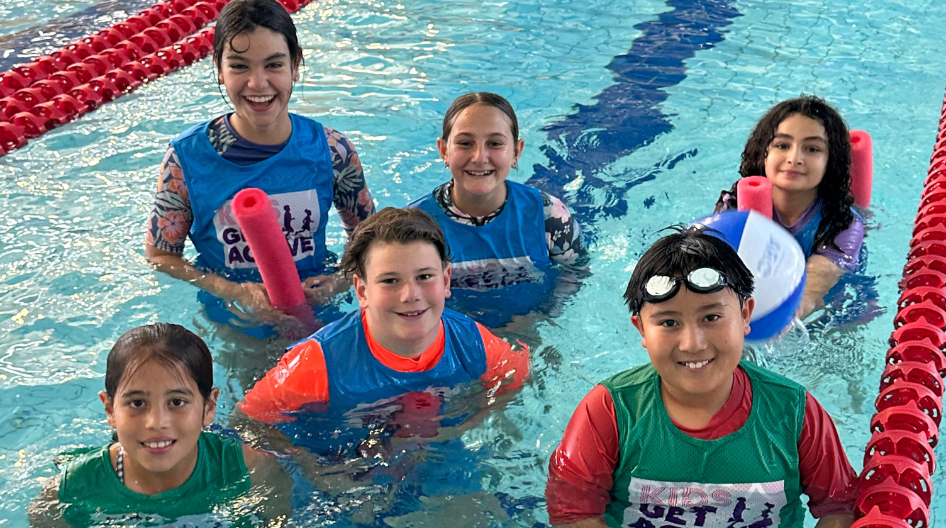
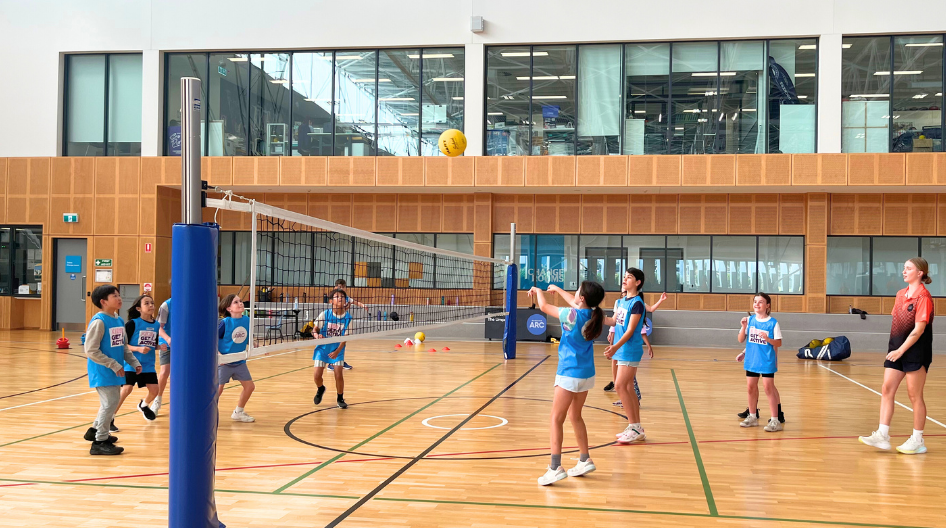
Each day is led by expert coaches and includes a mix of indoor, outdoor and aquatic games, sports, and activities that help boost your child's confidence, fitness, and skills.
Program days run from 8am - 5pm, with drop off from 8am-8:30am, and pick up from 3:30pm-5pm, for $76.50 per day.
Please note that activities may be subject to change and are updated for every program. Only children 7-12 years participate in aquatic activities. There will be other activities running at this time for different ages.
Here's a snap shot of what we get up to during the July Program:
Week 1:
| Ages | Monday 28 September | Tuesday 29 September | Wednesday 30 September | Thursday 1 October | Friday 2 October |
| 5-6's | Public Holiday |
|
|
|
|
| 7-8's & 9-12's |
|
|
|
|
Week 2:
| Ages | Monday 5 October | Tuesday 6 October | Wednesday 7 October | Thursday 8 October | Friday 9 October |
| 5-6's |
|
|
|
|
|
| 7-8's & 9-12's |
|
|
|
|
|
If your child has already attended Kids Get Active, or any of the ARC's Children's Programs (including Swim School), then we already have an account for you and your child in our system.
1. Log into the Cockburn ARC portal
2. Book and Pay
- Go to 'Book'
- Go to 'Single Sessions + Creche + Kids Get Active'
- Go to the Children's Program dropdown and select your child's age group:
5 - 6 years
7 - 8 years
9 - 12 years
- Select the calendar dates you are after using the arrows
- Select a class and click on 'Book Now'. You will then be taken through to our payment module.
- Your booking will be cancelled if you do not pay at the time.
1. Create a free guest account for yourself on our portal. You'll be able to use this account for future bookings at the ARC.
Visit Cockburn ARC Portal
- Select Join Now
- Select Free Account
- Select Create Free Account
- Fill in your personal details (not your child's)
2. Add each child to your profile.
- Log into the portal
- Go to 'Your Children'
- Go to 'Add Child'
- Select 'Free Account / Visit Passes', then 'Next'
- Select 'Create Free Account', then 'Next'
- Add your details - leaving the email field blank & providing an Emergency Contact other than yourself
- Select 'Create Account'
3. Book and Pay
- Log into the portal
- Go to 'Book'
- Go to 'Single Sessions + Creche + Kids Get Active'
- Go to the Children's Program dropdown and select your childs age group:
5 - 6 years
7 - 8 years
9 - 12 years
- Select the dates you are after on the calendar using the arrows
- Select a class and click on 'Book Now'. You will then be taken through to our payment module.
- Your booking will be cancelled if you do not pay at the time.
Contact Us
Call us during business hours to talk more about Kids Get Active
9411 3344