

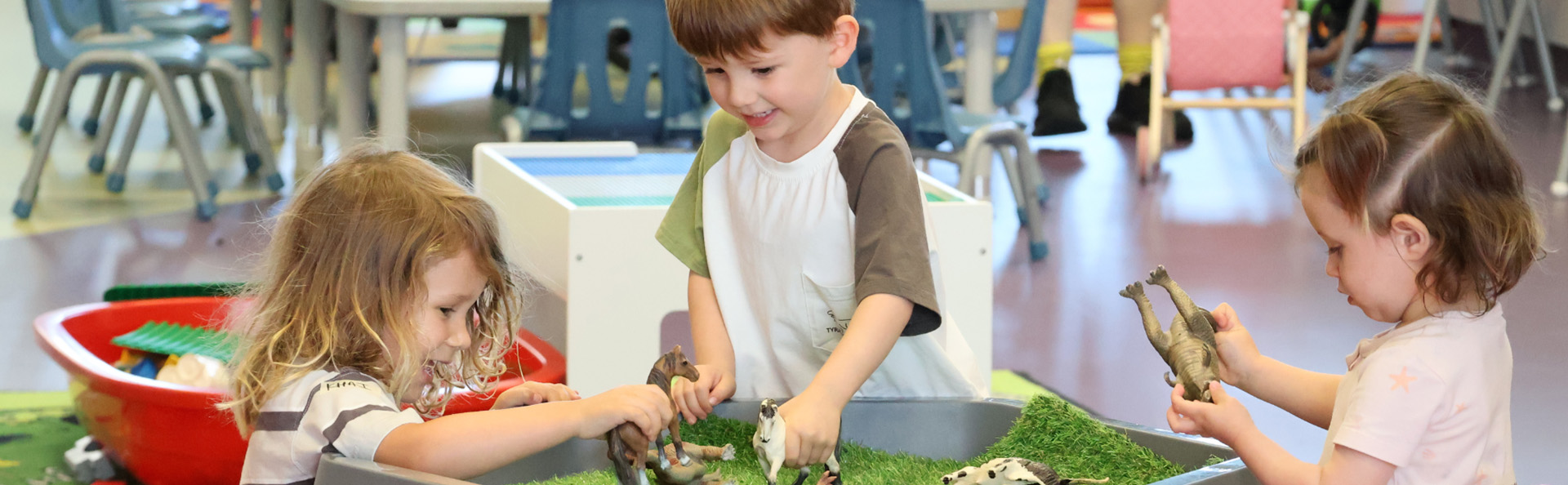
Let us take care of your littlies while you enjoy the centre. Our Crèche is open to children aged from 8 weeks to 5 years. Children up to the age of 11 years are also welcome on Saturdays, pupil free days and during school holidays.
Book online between 31 August - 19 September for your chance to win a Ninja Creami or Ninja Bullet!
New to ARC or not sure where to start? Keep reading below.
Open times
Monday to Friday - 8:45am to 12:45pm
Saturdays - 8:15am to 12:15pm
Sundays + Public Holidays - closed
Cost
$5.80 per child for up to two hours per day
$8.20 per child for up to three hours per day (members only)
Maximum per week is 12 hours per child. Payment must be made when you book online.
Ready to book?
1. Set up your account.
You require a free account if you wish to come casually to the gym, book into a casual session or book your child into creche or a program.
- Go to the Member Portal
- Click 'Create your Account'
- Click "Free Account/Visit Passes and select 'Next'
- Fill in your details and click 'Create Account'
- You should see "Create Free Account", leave it with memberships at the top of the page and select 'Next'
- Provide your details.
If you have previously been enrolled in a program but haven't used the portal before, you will already be in our system but won't have a log in yet.
- Go to your Member Portal and log in
- Click 'Forgot password'
- Enter the email address you used originally to enrol your child
- You will receive an email with instructions to reset your password
You should now have access to your online account.
If you can't remember the email you last used, please call us on 9411 3344.
To purchase an activity for your child, you need to add them to your account.
- Go to your Member Portal and log in
- Click on 'Your Children' in the Menu
- Select 'Add Child' at the bottom of the page
- Select 'Free Account/Visit Passes'
- Keep it on 'Memberships' and select 'Next'
- Complete all required fields and click 'Create Account'
You will need to do this for each individual child in your family.
2. Complete the below before your first visit
3. Book in a session
Members can book via the Technogym App for the Member Portal. Casual visitors book via the Member Portal.
You'll need to be an ARC member to book through the app.
- Download the Technogym App and log in.
- Select ARC.
- Scroll to the bottom of the page and select 'Book into Creche'.
- Choose your required date(s), complete the booking, and make payment.
- Go to you Member Portal and find ‘Book’
- Go to ‘Single Sessions + Creche + Kids Get Active’
- Ensure ‘Facility Type’ is ‘Children Programs | Carnaby’s Creche’
- Using the arrows, scroll to find your selected day
- Select ‘Book Now’
- Ensure the name of the child you are booking in is selected
- Select the drop down arrow under ‘Start Time’ to select your chosen session start time.
- Select ‘Next’
- Select ‘Pay Now’
Want to book multiple sessions at one time?
- Select ‘Add to cart’
- Repeat steps 1 to 8 and select ‘Add o cart’
- Select your shopping cart at the top right corner of your page
- Then select ‘Pay Now’